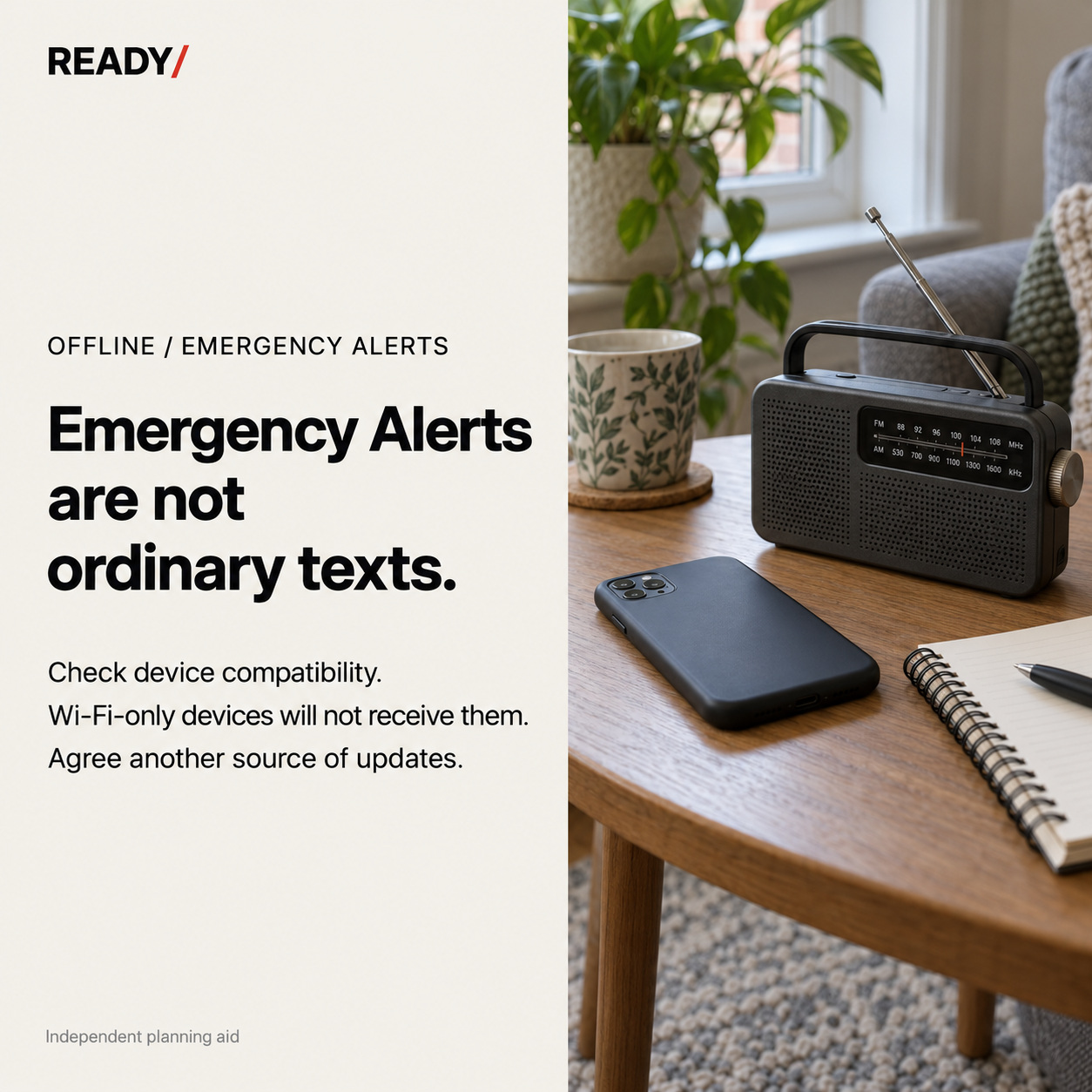
A charged phone is useful, but it does not establish which official messages that device can receive or who will hear about them. For Emergency Alerts, the first task is to understand the delivery route and check the device you actually rely on.
The distinction behind the settings
GOV.UK says Emergency Alerts are broadcast by nearby mobile masts to compatible devices on UK 4G and 5G networks. No signup, app, mobile-data connection or Wi-Fi connection is required. Wi-Fi-only devices, incompatible devices and devices that are turned off will not receive them. [1]
The practical distinction is between switching mobile data off and having a Wi-Fi-only device. Those are not the same condition. Read the current government compatibility guidance for your actual phone or tablet instead of inferring the answer from whether it can browse the internet at home.
Check an actual device
Choose the phone or tablet that normally matters to the household, not a generic device mentioned in an old checklist. Use the official guide and the device’s own alert settings. If anything is unclear, use the relevant manufacturer or network support route.
Do not label the device “tested” because you found a setting. A settings check and a successful receipt of a real alert are different observations. Record what you actually established and leave an unanswered question visible.
The government guide provides current software-compatibility information. [1] This article deliberately links that maintained list rather than turning today’s minimum versions into a permanent READY/ promise.
Give the household a second route
Imagine one adult carries the compatible phone to work while another person stays home with a Wi-Fi-only tablet. “We have a compatible phone” may be true, but it does not describe access for the person at home.
That is an illustrative coordination problem, not a prediction of a particular emergency. The next task is to agree how people will obtain and share official information when they are apart. Identify the relevant public authority or service for the situation and a way to access its updates that suits the people involved.
Avoid a single vague instruction such as “check social media”. Name the official source you intend to use and how another person will recognise it. A radio shown in the illustration is a reminder to consider other information channels; it is not a claim that it receives the phone alert itself.
Keep a precise note
| What you checked | Useful wording |
|---|---|
| Device | The particular phone or tablet you reviewed |
| Official guide | Where you found the compatibility information |
| Settings | What was checked, without claiming a live reception test |
| Access | Who normally has the device and who does not |
| Another route | The official information source and household handover agreed |
Keep this note free of phone numbers, account details and location histories if it is shared beyond the household.
Do not create a fake alert
You can discuss the arrangements using a plainly labelled paper exercise. There is no need to imitate an official notification, create a false warning or send alarm-style messages to other people.
The finished task is clear: you know what was checked, who can access the device, and how the household will avoid relying on one person’s phone for every update.
Explore READY/ offline planning →